Start with less on the screen
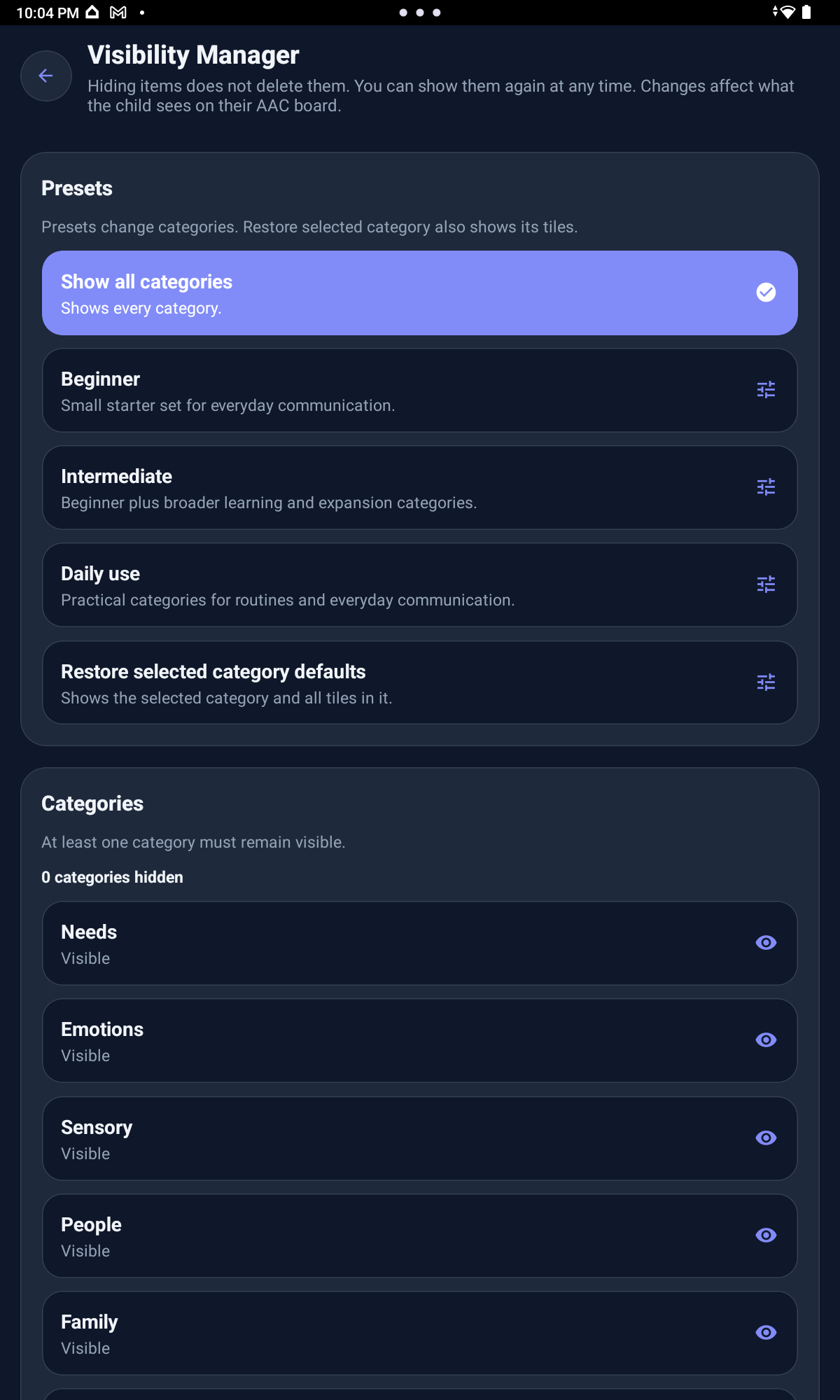
Visibility Manager lets parents hide or show categories and tiles so the board starts with the choices your child can use right now. Hidden items are not deleted.
For Parents
Talki Kids AAC+ helps parents, caregivers, and support teams shape a calmer communication board around the child’s real life, one step at a time.
Parent reassurance
When a child has something to say but words are hard, parents often spend the day trying to understand the message behind the behavior, the pointing, the tears, the pulling, the silence, or the frustration.
You may be wondering if your child is hungry, tired, overwhelmed, in pain, scared, asking for a break, or trying to say no before frustration grows.
Talki Kids AAC+ was built to give families another way in: a calm visual tool that helps children show, choose, refuse, ask, type, spell, use scripts, and speak messages with support from the adults around them.
A young child might begin with one or two important categories and only a few visible tiles. As the child grows, the same app can support more detailed communication with school messages, Social Scripts, My Thoughts, Free Talk, typing, spelling, and speech output.
Starter Level is another way to keep the board matched to the child. Parents can choose fewer sentence starters at first, add more for practice, or use full starter support when the child is ready for more expression.
Real app use
These screens show how caregivers can reduce what appears at first, keep urgent needs easy to find, use familiar pictures, and add more supports gradually.
Visibility Manager lets parents hide or show categories and tiles so the board starts with the choices your child can use right now. Hidden items are not deleted.
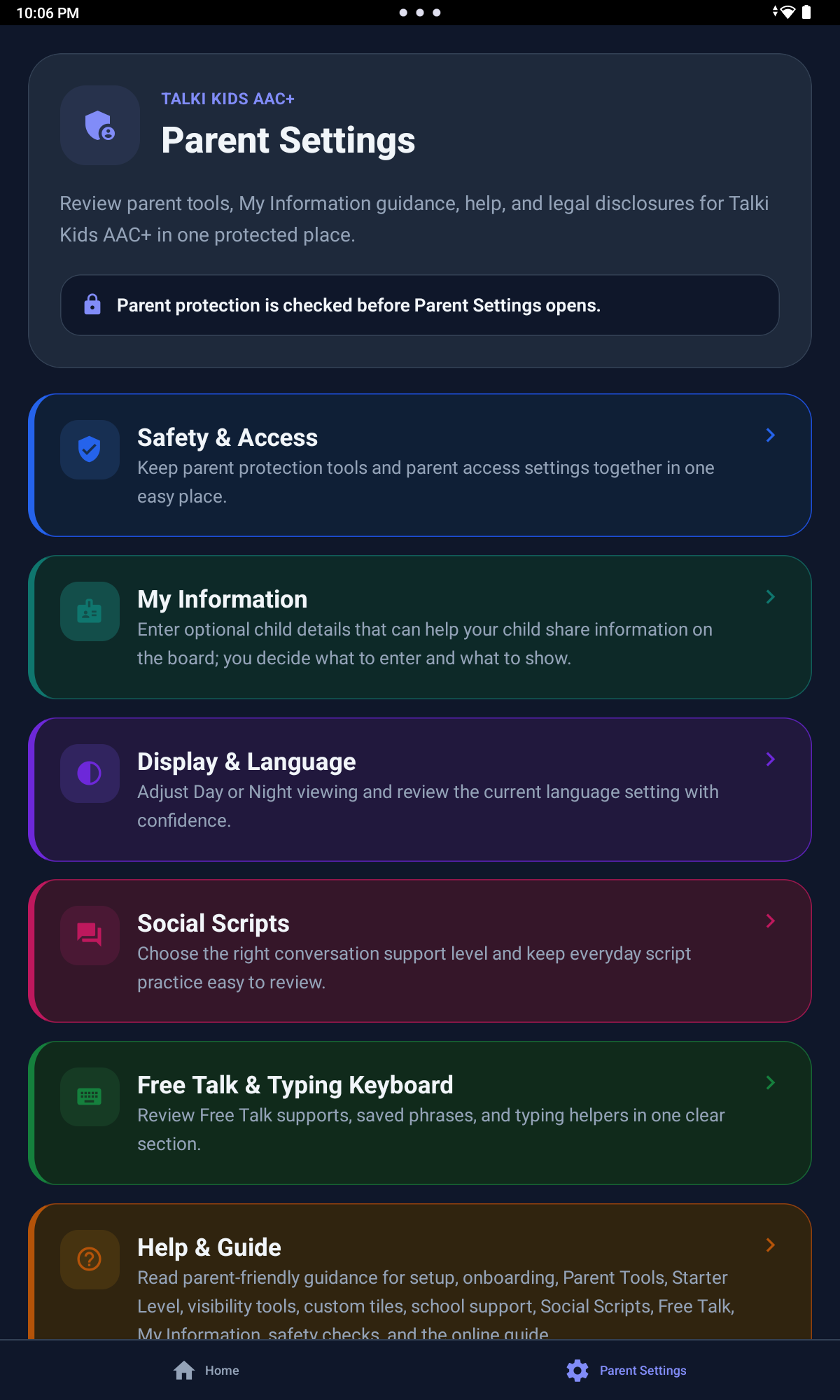
The Parent Tools menu stays behind a 4-second hold and Parent PIN, keeping setup controls out of the child-facing board.
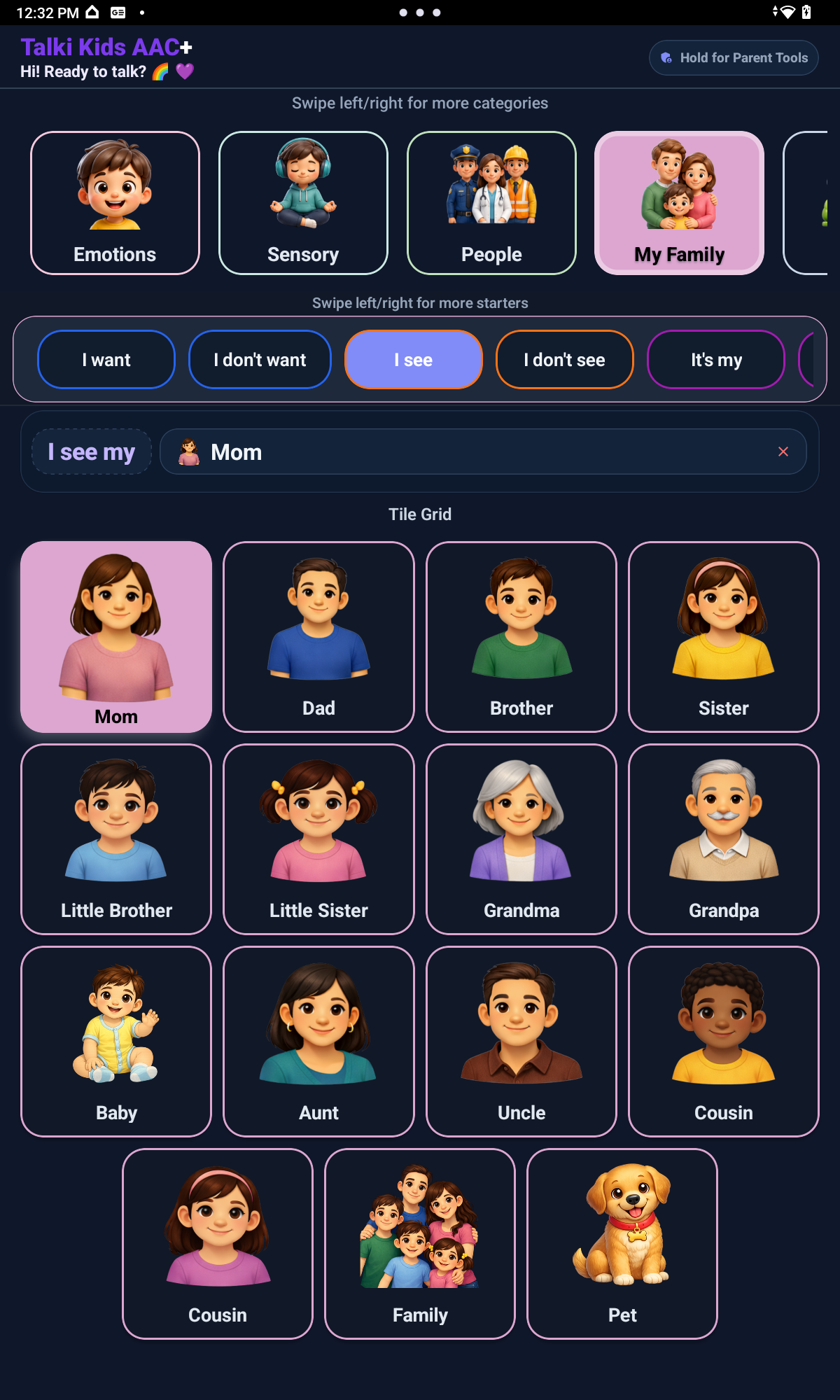
Parents can add familiar people, places, foods, drinks, animals, school items, activities, family roles, routines, and comfort objects where supported.
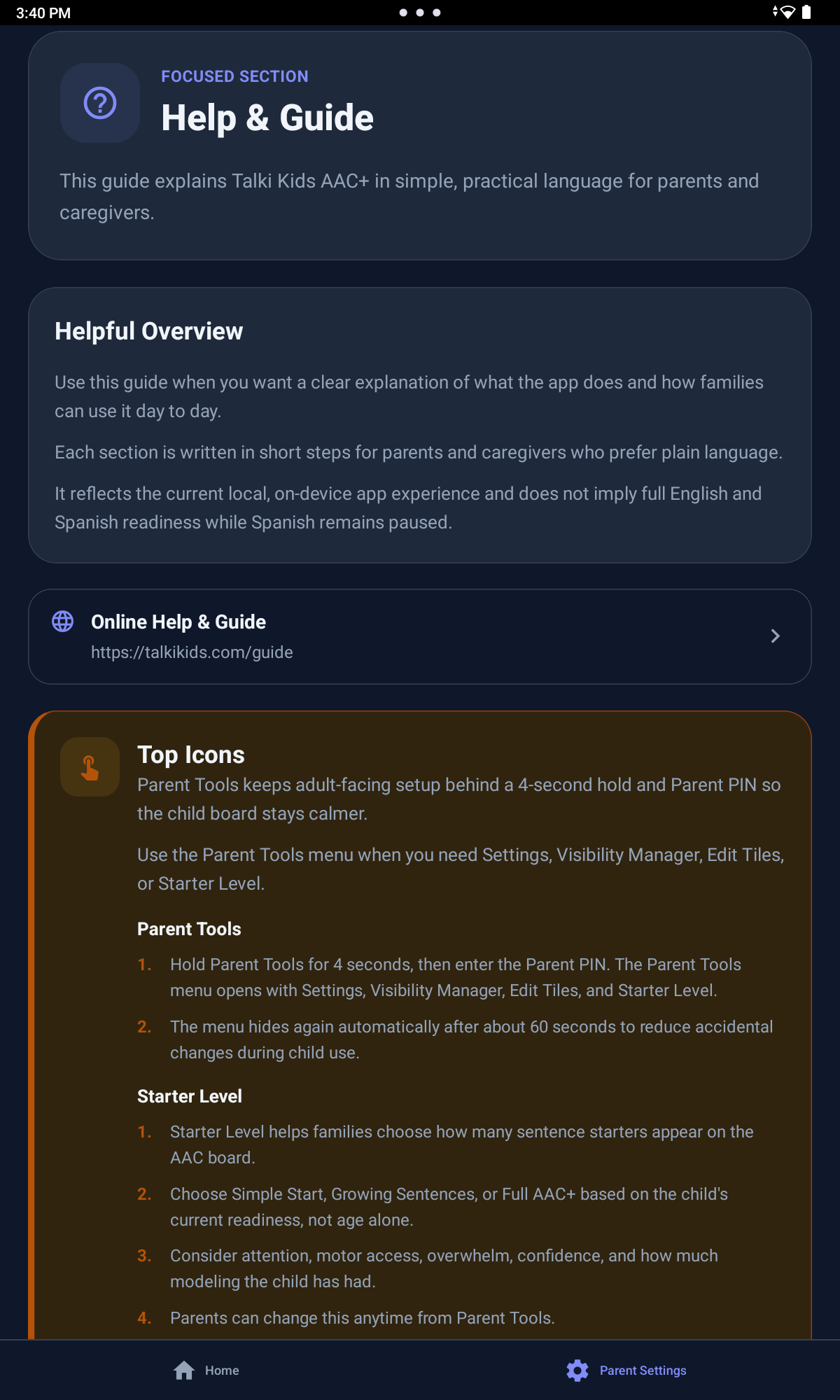
Help & Guide keeps practical explanations near the settings families adjust most.
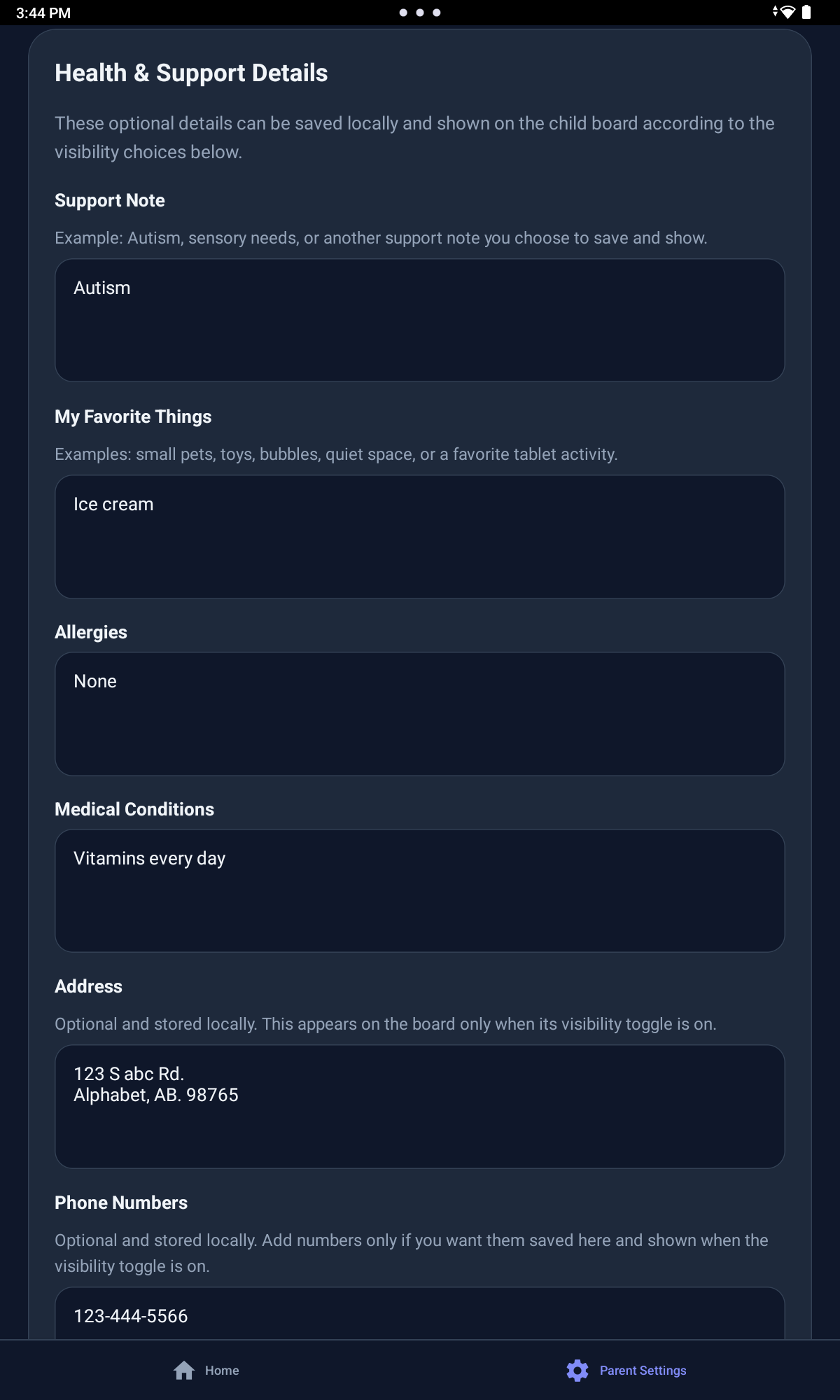
Health Information can hold optional caregiver-controlled support context when it is useful.
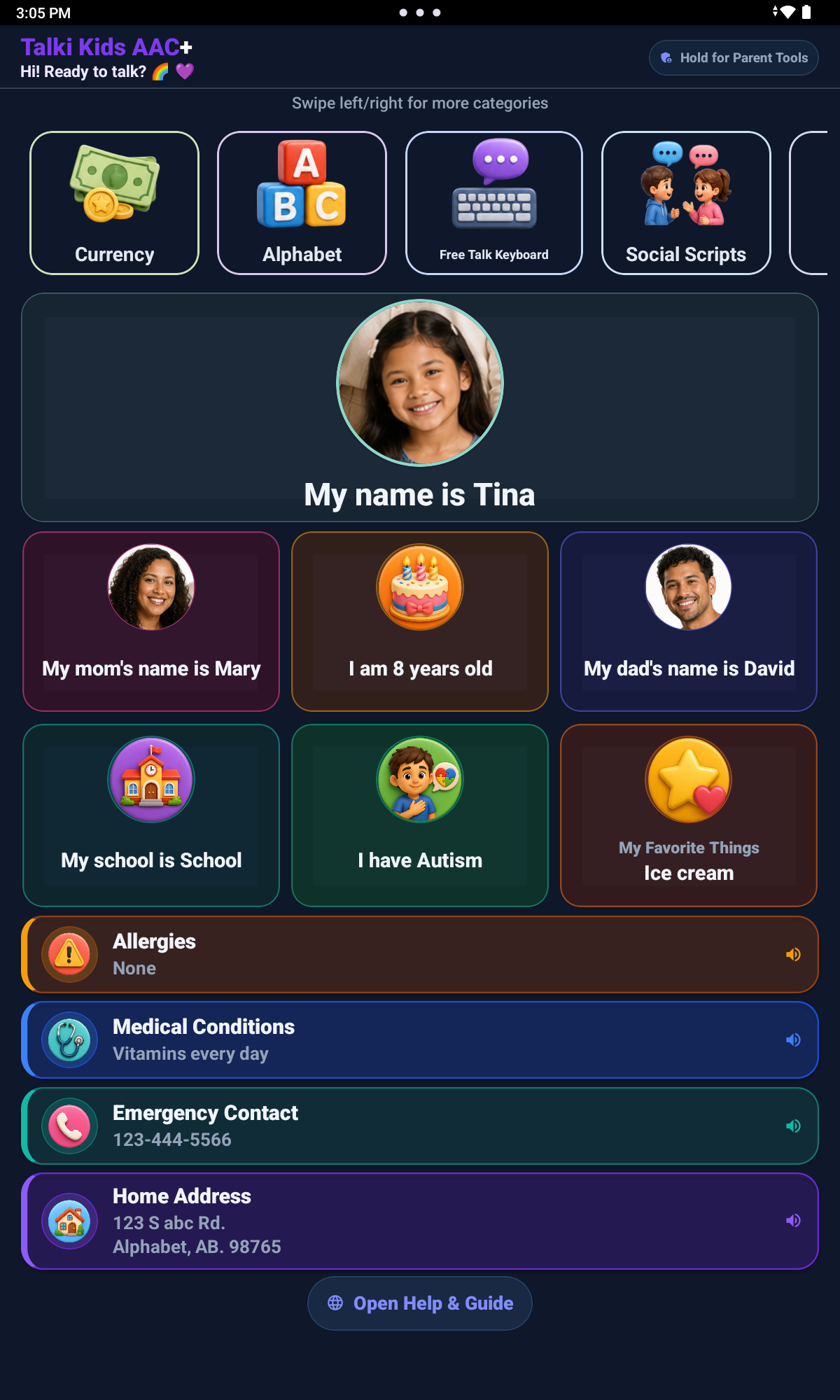
My Information is optional. Caregivers choose what to enter and what to show, including optional phone number and address fields.
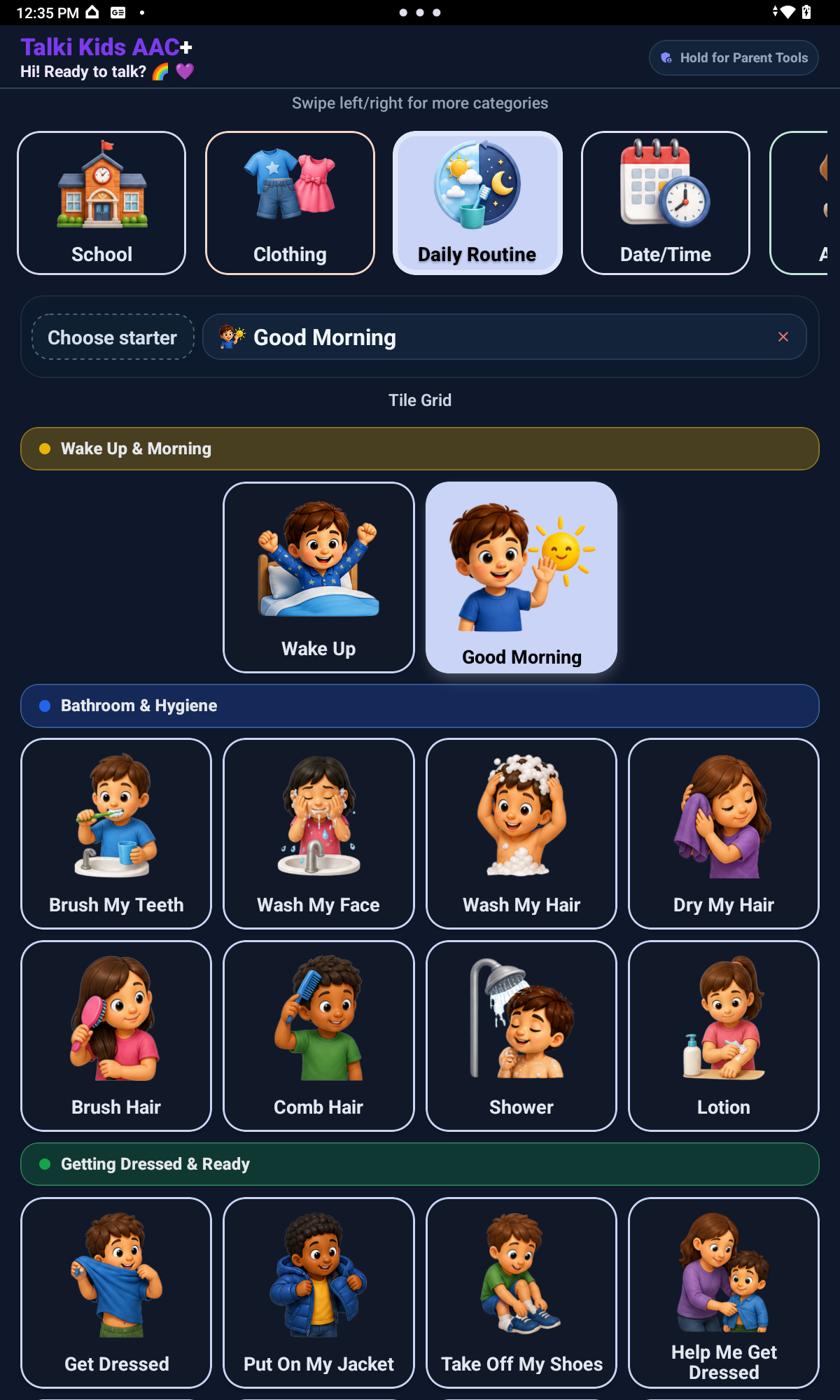
Activities can help families begin with choices tied to daily moments the child already knows.
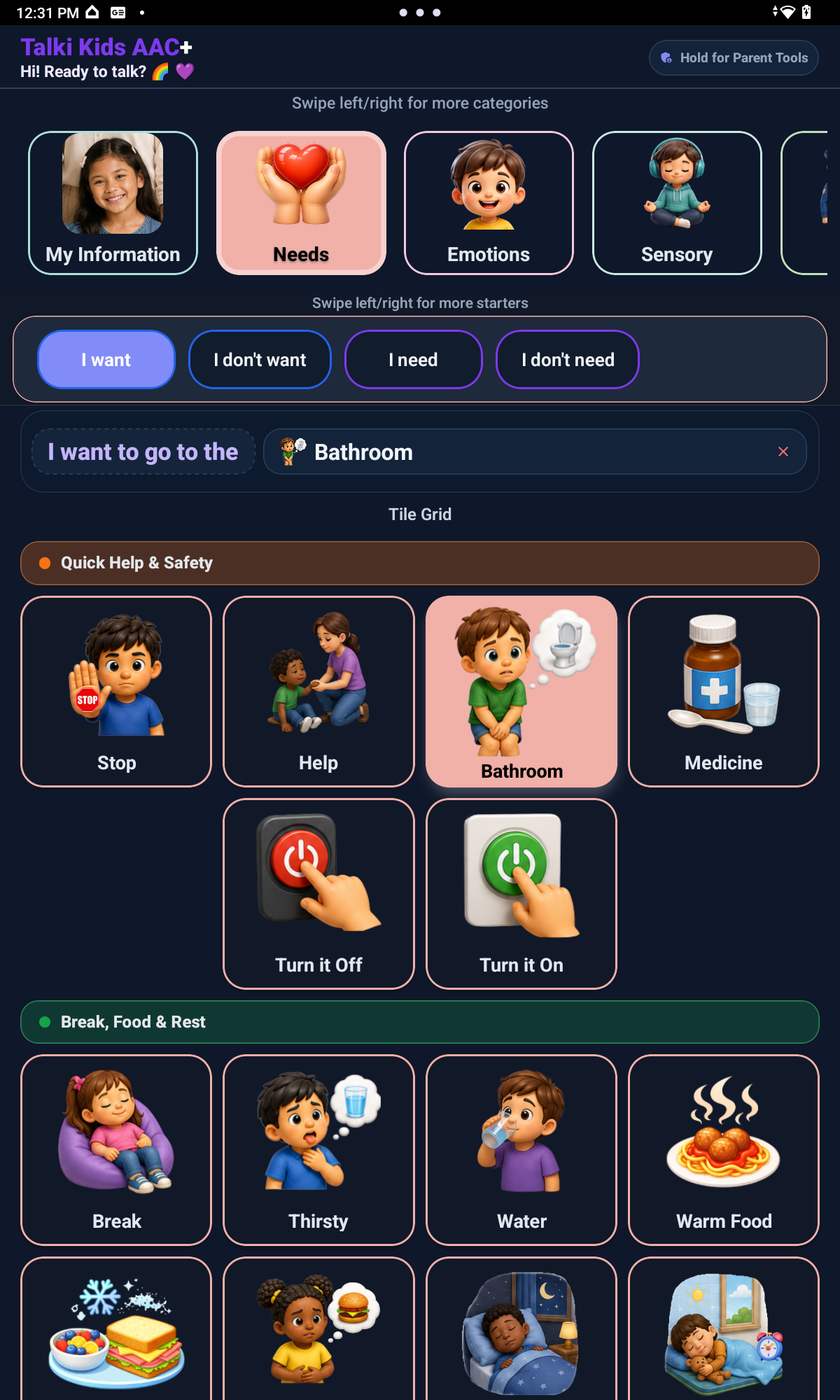
Needs gives children a clear place for help, breaks, bathroom, pain, discomfort, and other support messages.
For families
Parents and caregivers are not just managing an app. You are helping shape the child’s communication environment around real people, routines, needs, comfort items, school moments, and the times when communication gets hard.
Begin with the choices and sentence starters that matter most today: help, stop, food, drinks, family, breaks, bathroom, pain, comfort items, school needs, or favorite routines.
Starter Level lets parents choose how many sentence starters the child sees, from Simple Start to Growing Sentences to full sentence starter support, based on readiness and support.
Picture choices, prepared messages, and speech output can help families respond when a child is hungry, tired, overwhelmed, scared, asking for a break, or trying to say no.
Start with fewer choices, then add more when your child is ready. Visibility Manager lets parents hide or show full categories and individual tiles without deleting them.
Parents can add custom tiles using the Camera or Gallery where supported, including familiar people, places, foods, drinks, animals, school items, activities, family roles, routines, and comfort objects. If no photo is added, supported custom tiles can use Talki Kids placeholder images instead of generic device emojis.
Children can communicate needs, feelings, choices, refusals, routines, school messages, social phrases, thoughts, and custom messages.
Adults guide the setup, but the child receives the benefit: more ways to be understood without being forced to speak.
Caregiver guidance
Talki Kids can be used alongside family, school, and professional support. It supports communication and does not replace therapy, medical care, school services, or professional guidance.
Parent Tools are protected behind a 4-second hold and Parent PIN. From the Parent Tools menu, adults can access Settings, Visibility Manager, Edit Tiles, and Starter Level without placing those controls directly on the child-facing board.
Caregiver guidance helps families start small, personalize thoughtfully, and introduce more communication tools when the child is ready. It is app guidance, not therapy, medical care, school services, or professional guidance.
The Parent PIN helps adults make setup changes without placing those controls directly in front of the child. Parents can also create a Recovery Phrase to help reset the PIN if it is forgotten.
The current launch version keeps app setup local and does not require parent accounts, child accounts, or voice recording.