Major feature
Parent-Controlled Starter Levels
Every child communicates differently. Starter Level lets parents choose how many sentence starters the child sees, so the board can stay simple at first and grow when the child is ready.
Features
Talki Kids AAC+ brings picture communication, category-aware starters, Social Scripts, Free Talk, typing, spelling, personalization, and speech output into one visual communication app.
Parent-friendly controls
Parent-friendly controls help adults match Talki Kids to the child's real life: Starter Level, protected Parent Tools, visibility controls, and custom tile setup.
Major feature
Every child communicates differently. Starter Level lets parents choose how many sentence starters the child sees, so the board can stay simple at first and grow when the child is ready.
Major feature
Start with fewer choices, then add more when your child is ready. Visibility Manager lets parents hide or show full categories and individual tiles. Hidden items are not deleted and can be restored later.
Major feature
Parents can add custom tiles using the Camera or Gallery where supported. If no photo is added, supported custom tiles can use Talki Kids placeholder images instead of generic device emojis. The editor shows only the current app language field and helps choose the word type by category.
Major feature
Parent Tools are protected behind a 4-second hold and Parent PIN, keeping the child-facing board cleaner and less distracting.
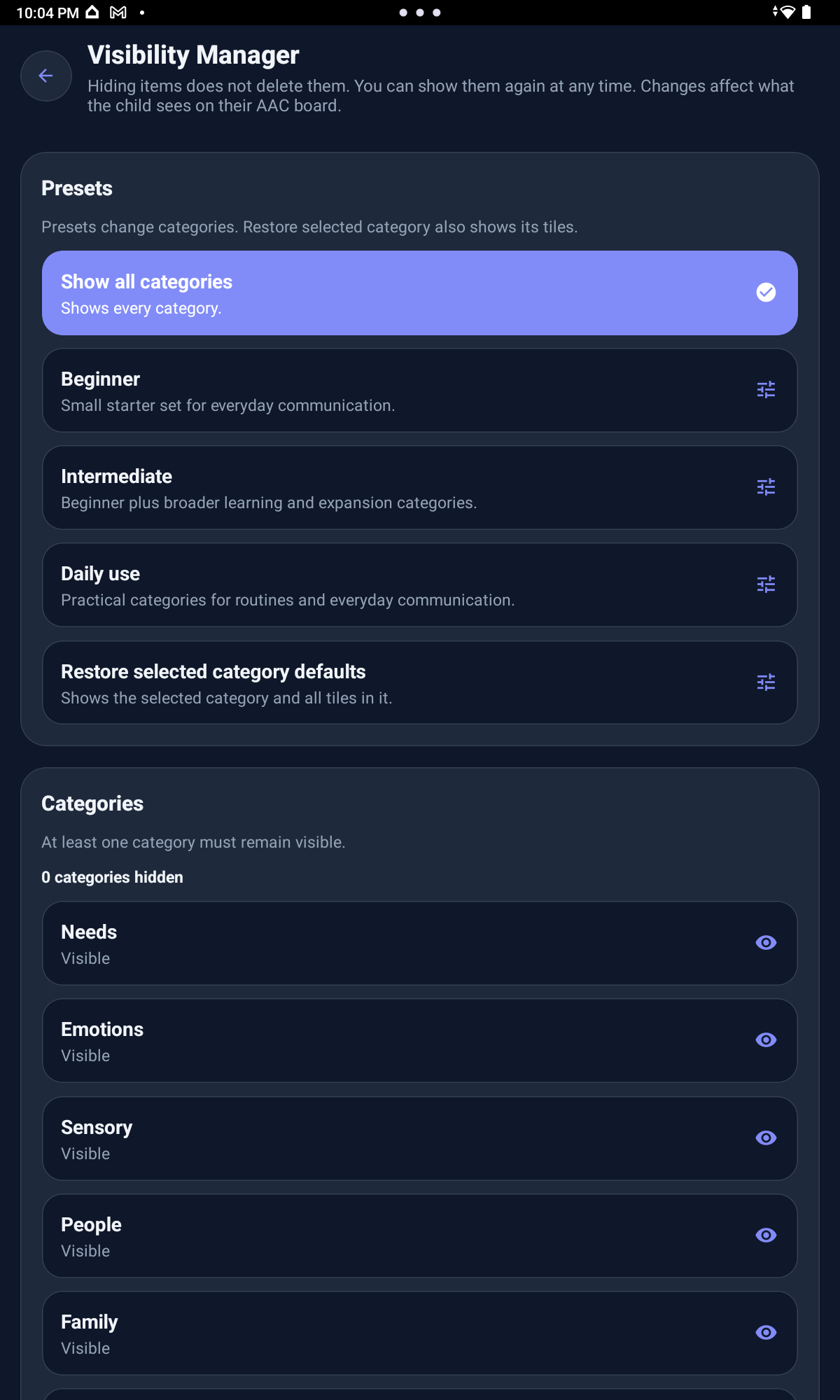
Visibility Manager shows how caregivers can reduce visible choices while keeping hidden categories and tiles ready for later.
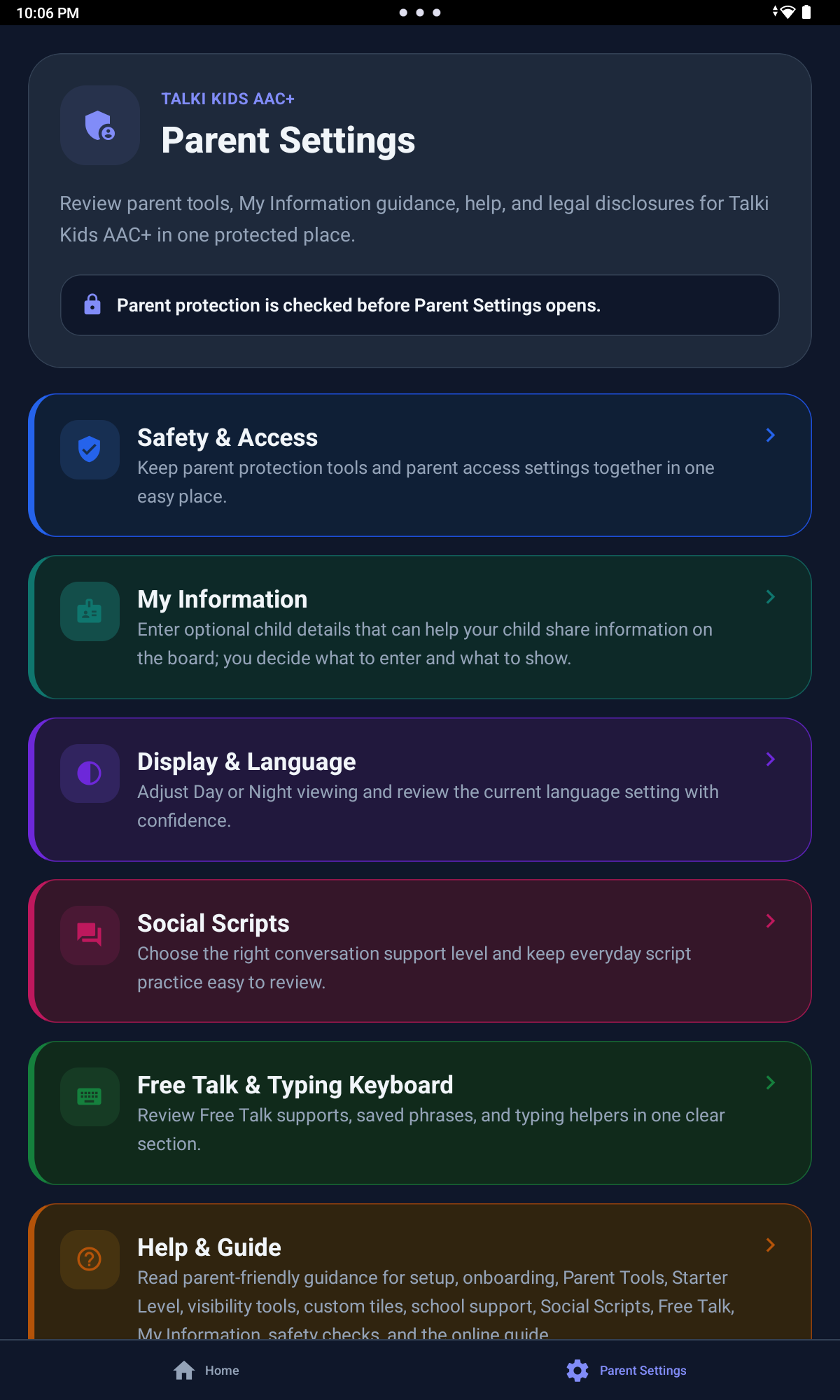
The Parent Tools menu stays behind a 4-second hold and Parent PIN so setup choices are not placed directly in front of the child.
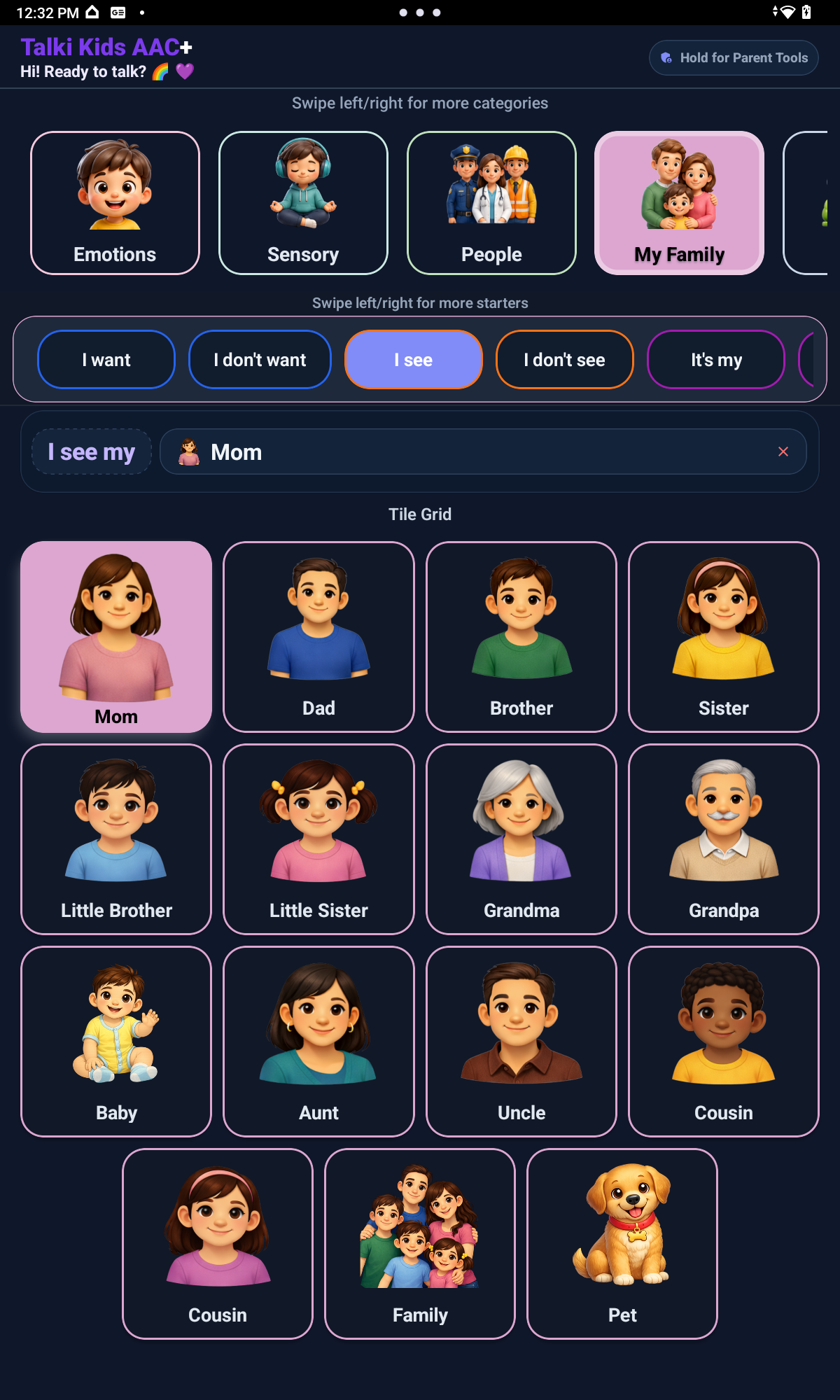
Custom tiles can use Camera or Gallery pictures for people, places, foods, drinks, animals, school items, activities, family roles, routines, and comfort objects.
A detailed look at the communication tools, caregiver controls, school supports, and personalization options inside the app.
Picture tiles are grouped into practical categories such as needs, food, drinks, activities, school, daily routine, emotions, family, and social communication.
The main board combines visual categories, communication tiles, sentence starters, message preview, and speech output so children can build and share everyday messages.
Starter Level lets parents choose how many sentence starters the child sees. Simple Start offers fewer choices, Growing Sentences adds more practice, and the complete level gives full sentence starter help.
Talki Kids AAC+ includes 30+ starter options and category-aware phrase patterns. Children only see starters that make sense for the category or tile they are using.
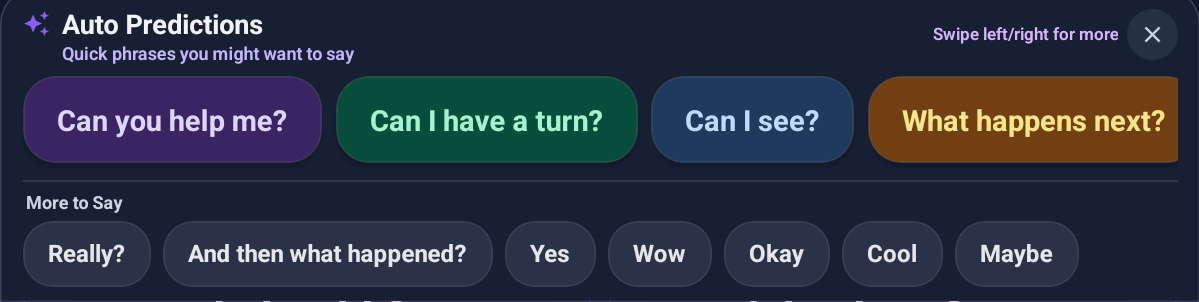
Social Scripts include 350+ ready-to-use phrases for greetings, play, friendship, school, feelings, safety, and repair phrases, with level indicators, Auto Predictions, and helpful More to Say prompts aligned with the selected Social Scripts level.
Free Talk supports Alphabet Board, Typing Keyboard, Quick Words, Auto Suggestions, My Thoughts, spelling, typing, custom messages, and speech output for messages that are not already on a tile.
Letter-by-letter spelling support gives children another way to communicate when spelling is part of their communication style.
Device keyboard support lets children and caregivers create custom typed messages when picture tiles are not enough.
Prepared messages can support feelings, needs, pain, worries, preferences, self-advocacy, and personal thoughts.
Needs and body-related communication supports can help children share comfort, discomfort, preferences, and self-advocacy messages.
Start with fewer choices, then add more when your child is ready. Visibility Manager lets parents hide or show full categories and individual tiles. Hidden items are not deleted and can be restored later.
Parents can add custom tiles using the Camera or Gallery where supported, including familiar people, places, foods, drinks, animals, school items, activities, family roles, routines, and comfort objects. If no photo is added, supported custom tiles can use Talki Kids placeholder images instead of generic device emojis.
Parent Tools are protected behind a 4-second hold and Parent PIN. From the Parent Tools menu, adults can access Settings, Visibility Manager, Edit Tiles, and Starter Level without placing those controls directly on the child-facing board. Parents can also create a Recovery Phrase to help reset the PIN if it is forgotten.
Communication supports can cover classroom needs, school support people, breaks, supplies, hygiene, dressing, bedtime, and daily transitions.
Optional My Information and support details are caregiver-controlled. Families choose what to enter, what to show, and when those details are useful.
The current launch version keeps app setup local and does not require parent accounts, child accounts, or voice recording.
English is the current live app language. Spanish support is under review.
Inside the app
Portrait previews show how visual categories, school supports, open messages, typing, spelling, caregiver controls, and optional support details appear in Talki Kids AAC+.
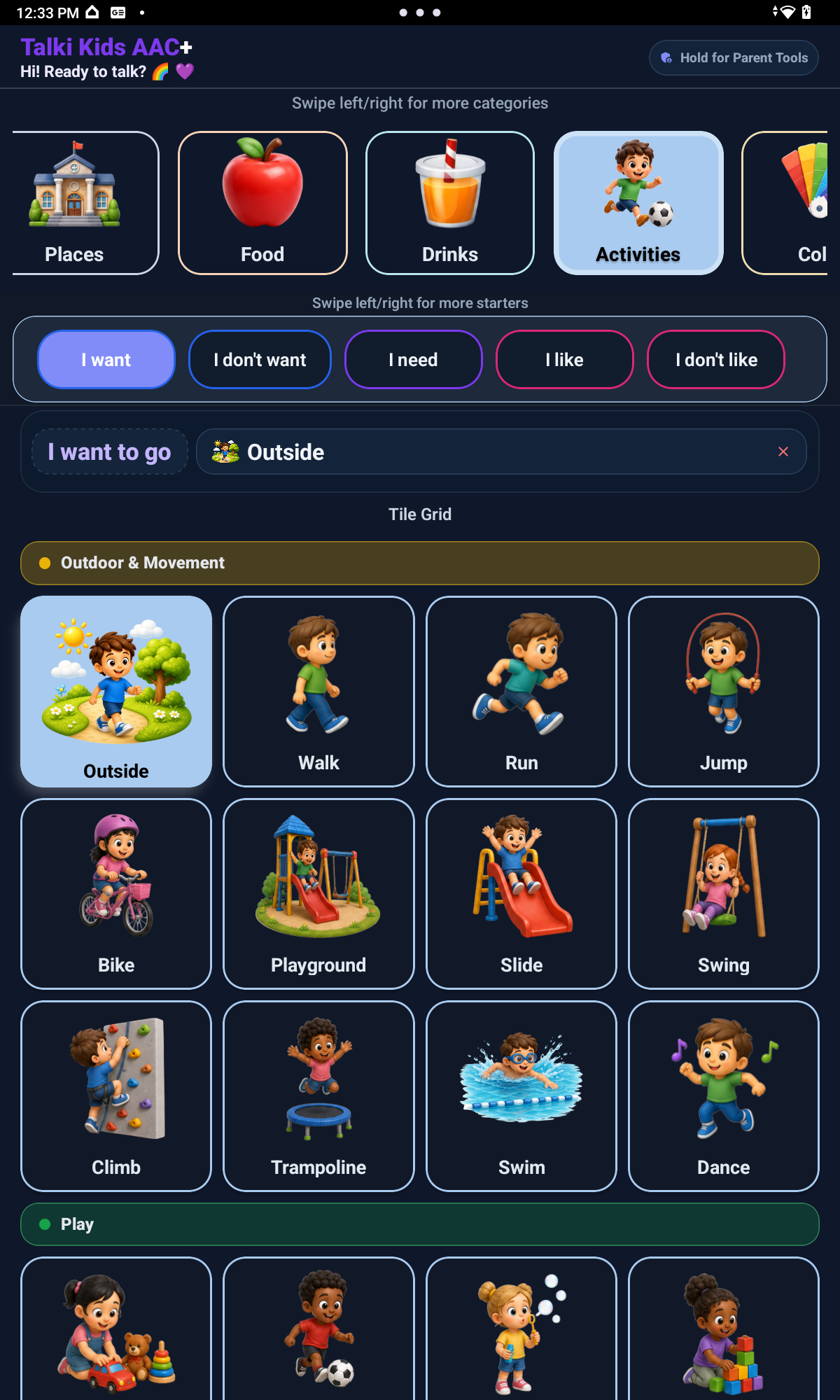
AAC picture board and categories
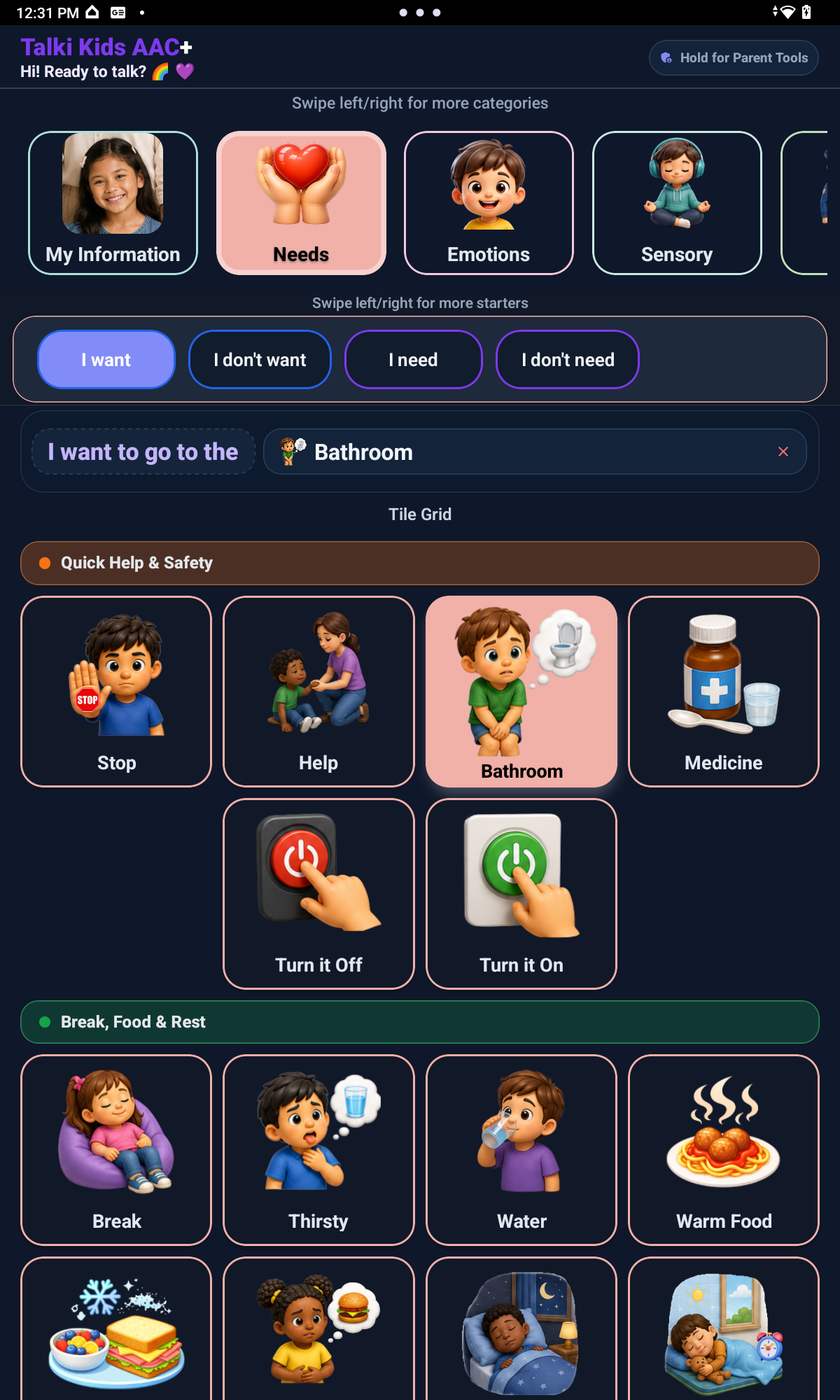
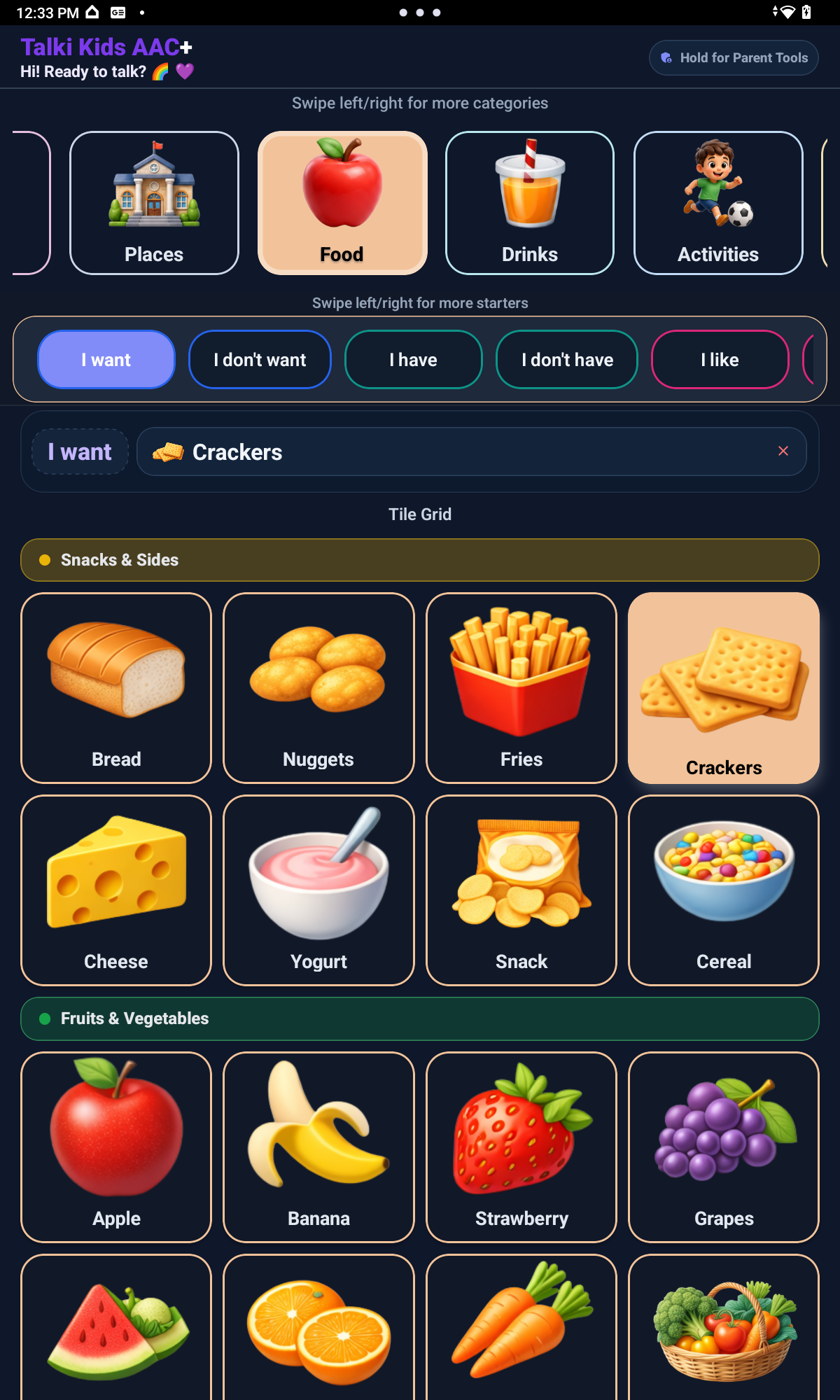
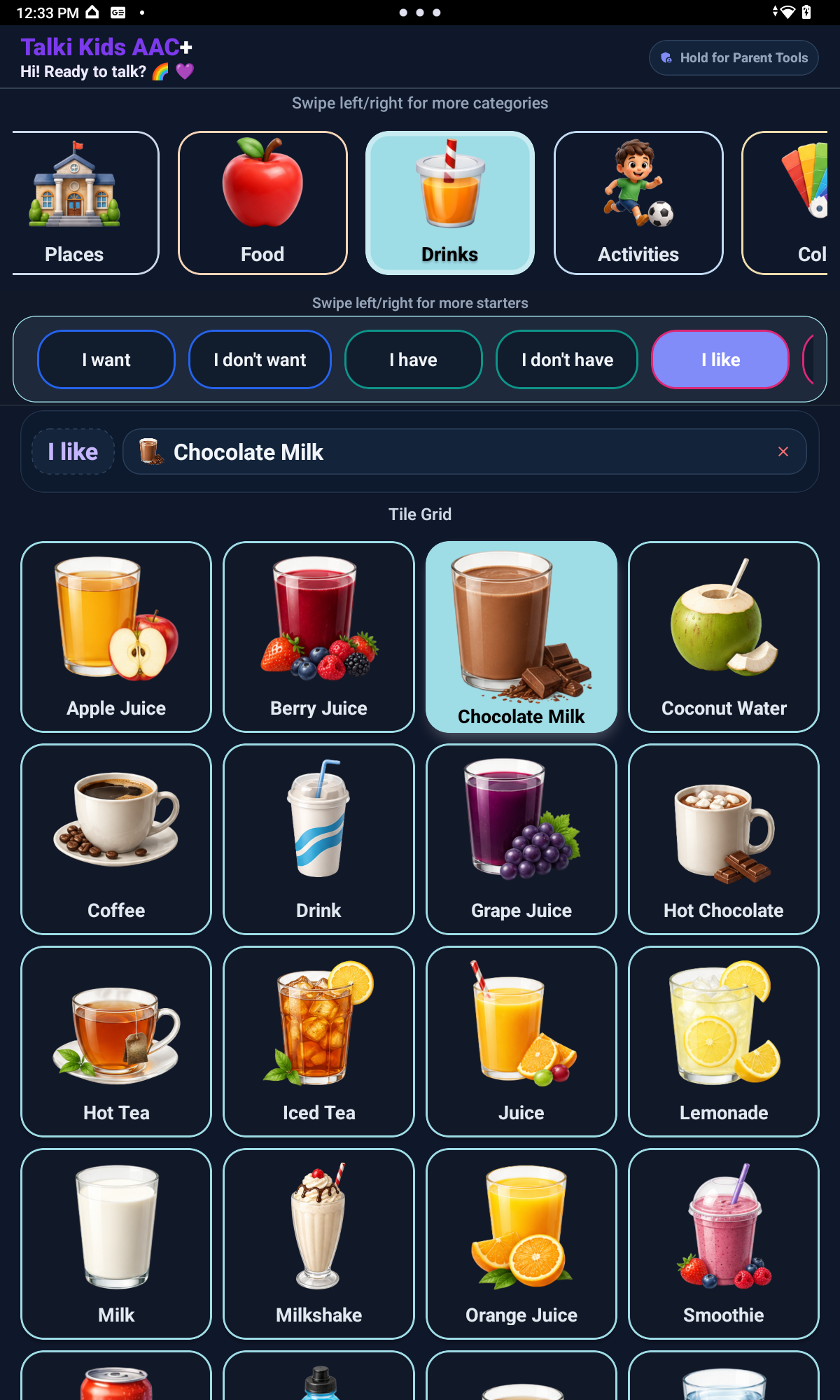
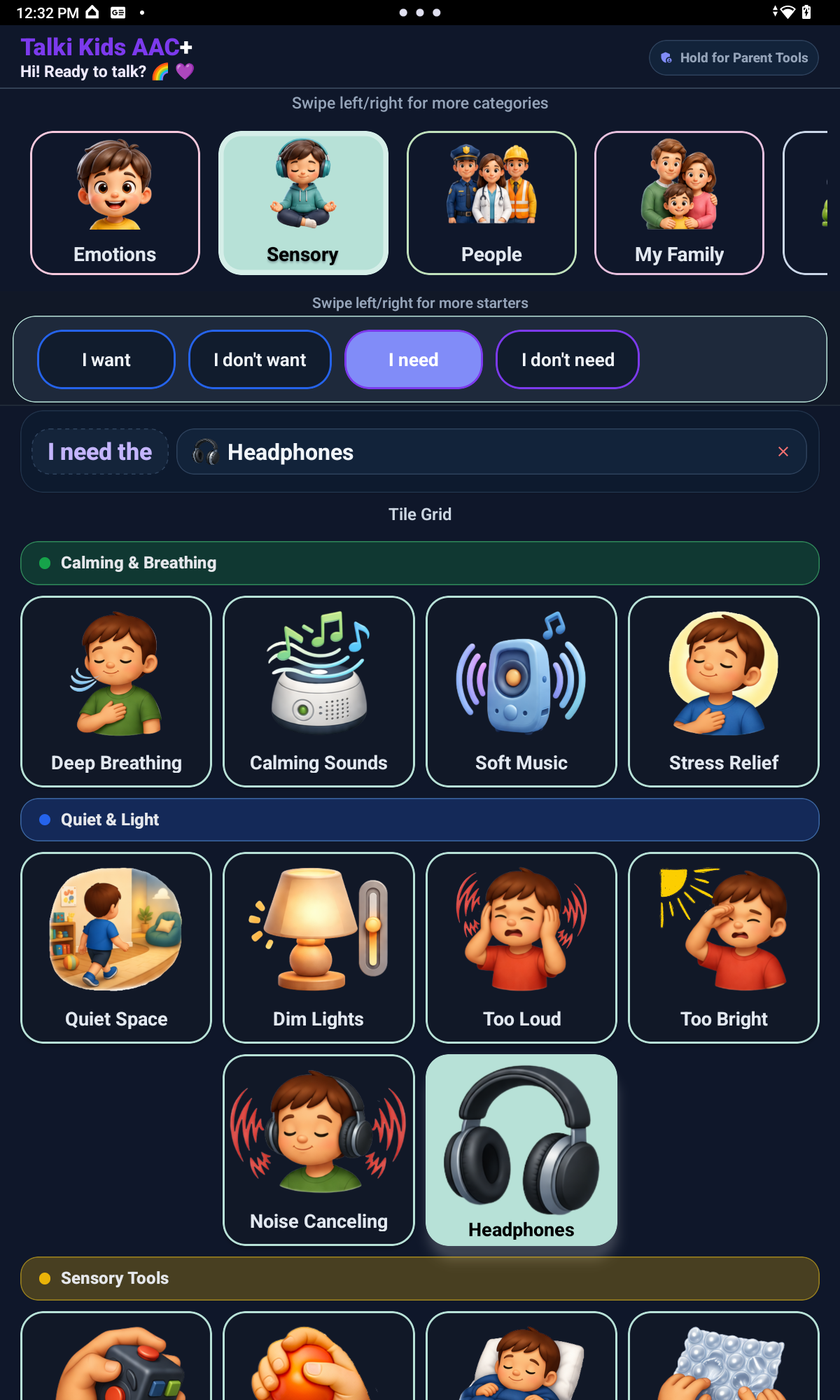
Activities, needs, food, drinks, and sensory supports use large visual tiles, sentence starters, and message preview so children can build communication from familiar daily routines. Sentence starters are category-aware, so children see the starters that fit the category or tile they are using. Starter Level lets parents decide whether the child sees Simple Start, Growing Sentences, or Full sentence starter support based on readiness, not age alone.
School support
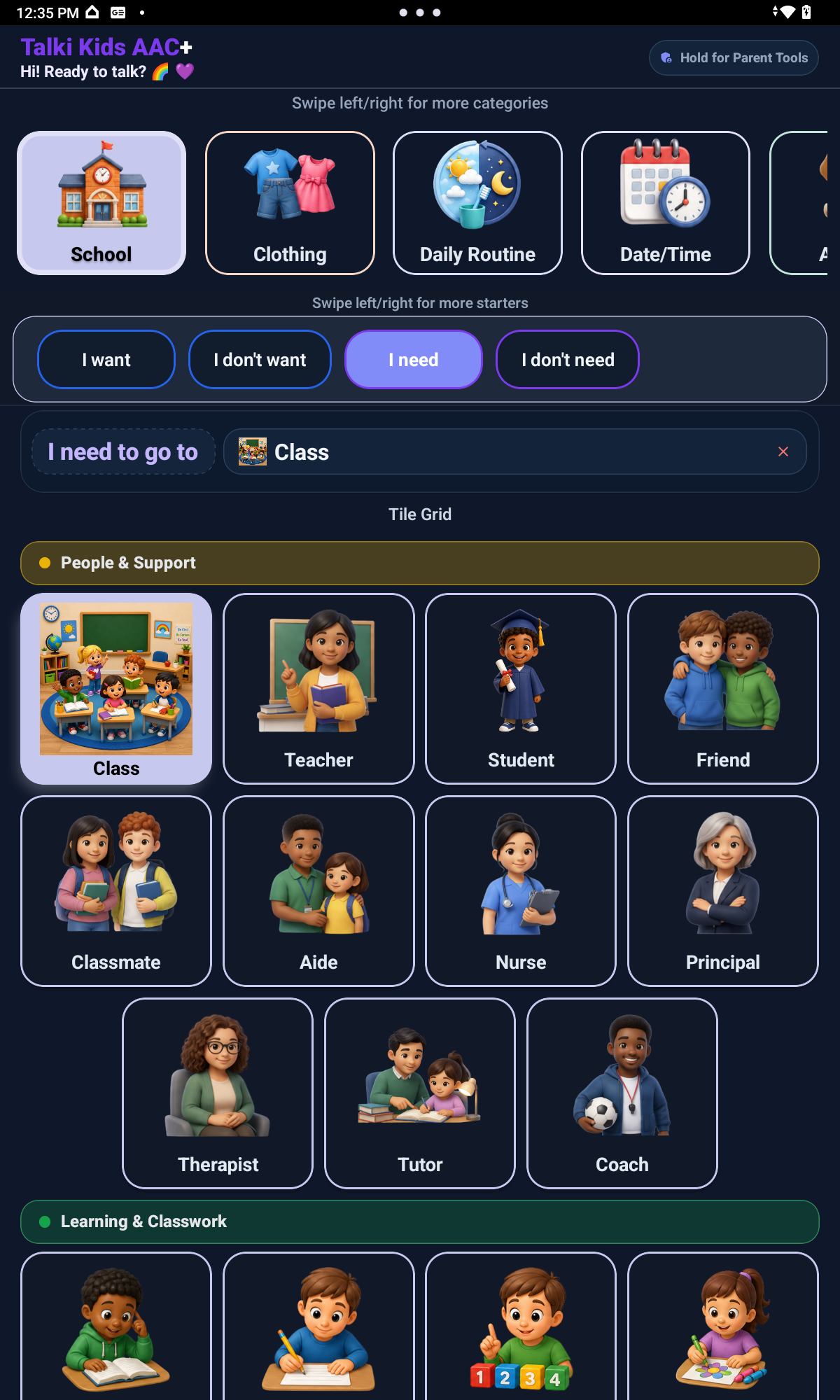
School screens can support classroom people, learning routines, breaks, restroom or water needs, supplies, help, and participation across school-day conversations.
Free Talk and typing
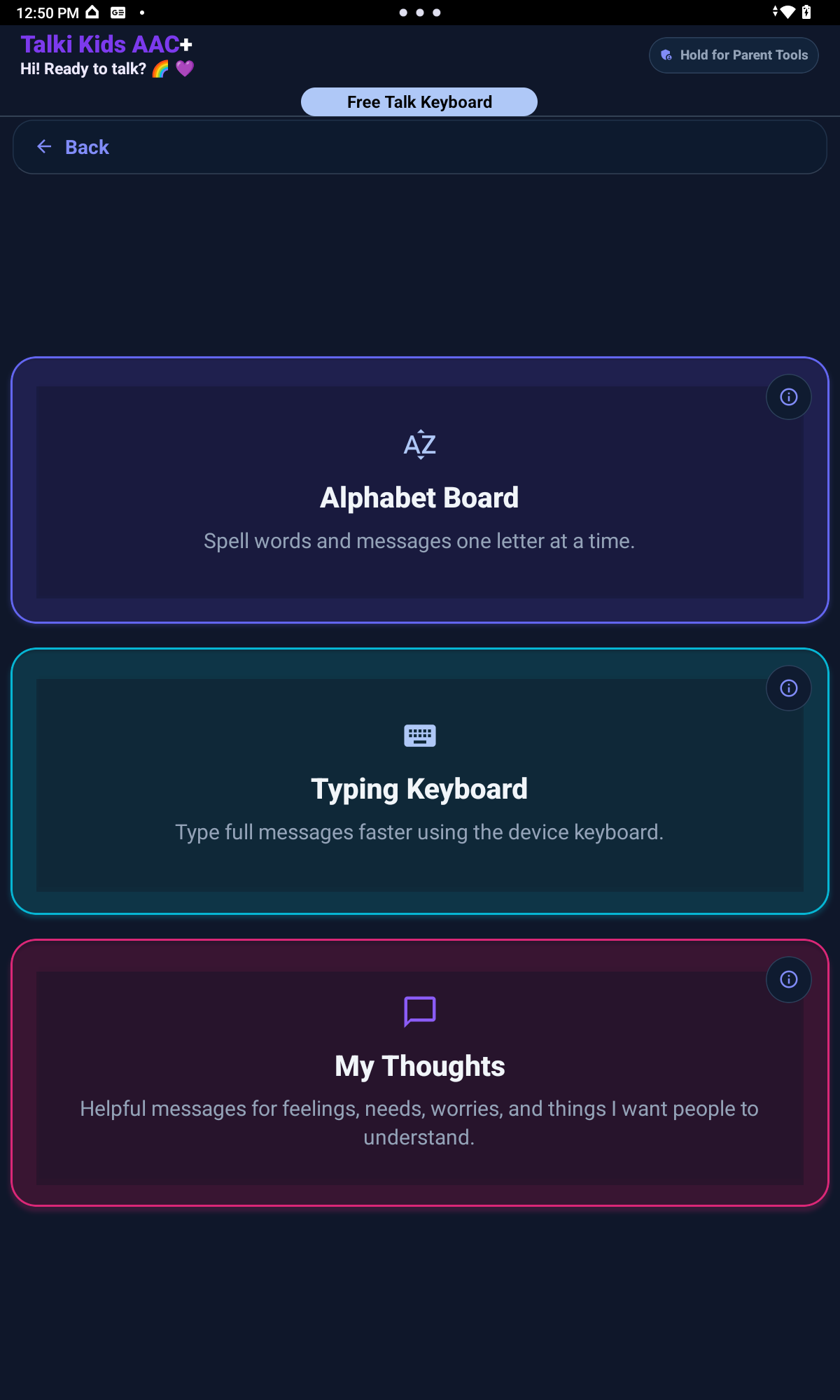
Free Talk brings together Quick Words, Auto Suggestions, My Thoughts, Alphabet Board, Typing Keyboard, custom messages, and speech output for messages that are not already on the picture board.
Alphabet Board
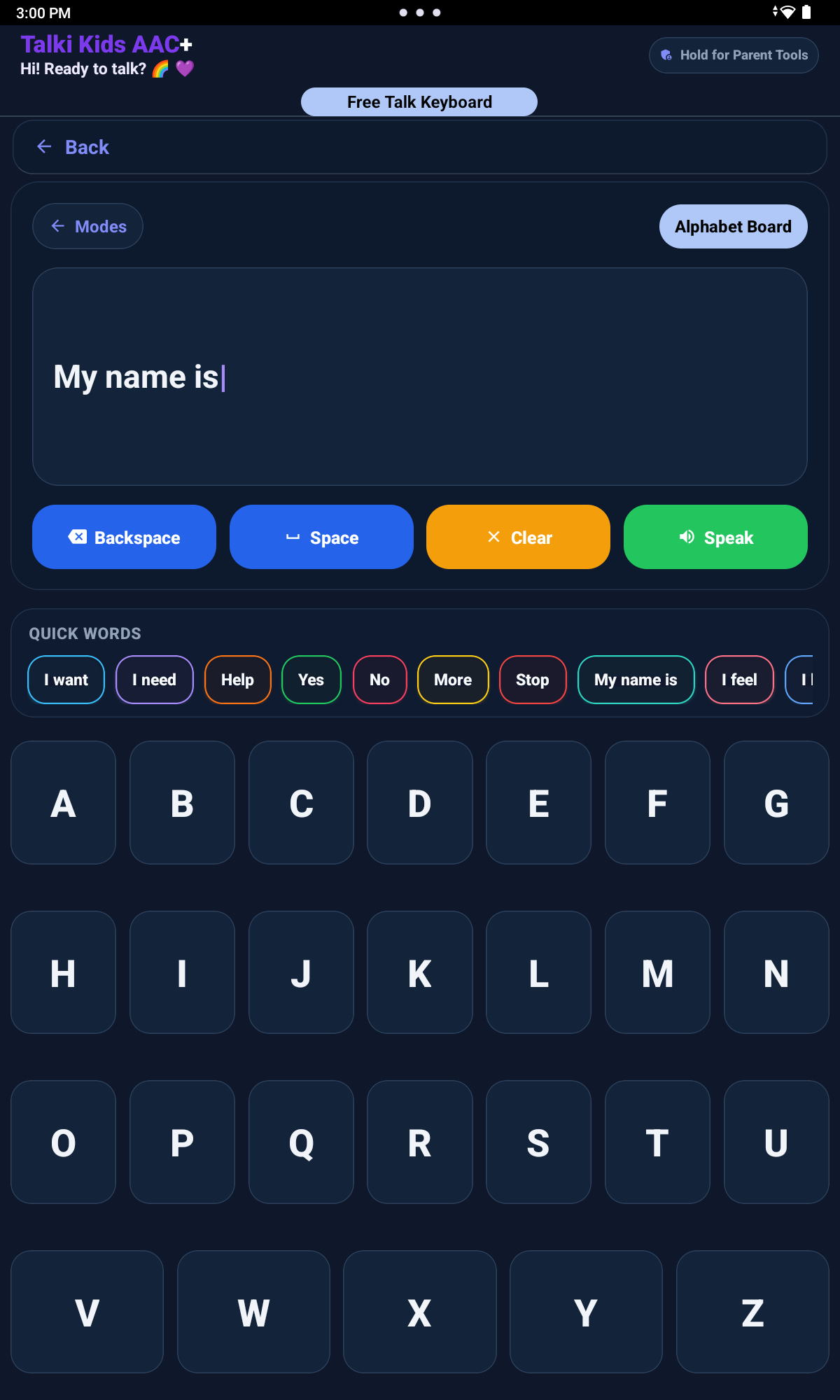
Letter-by-letter communication gives children another pathway for spelling, early literacy routines, and more open expression.
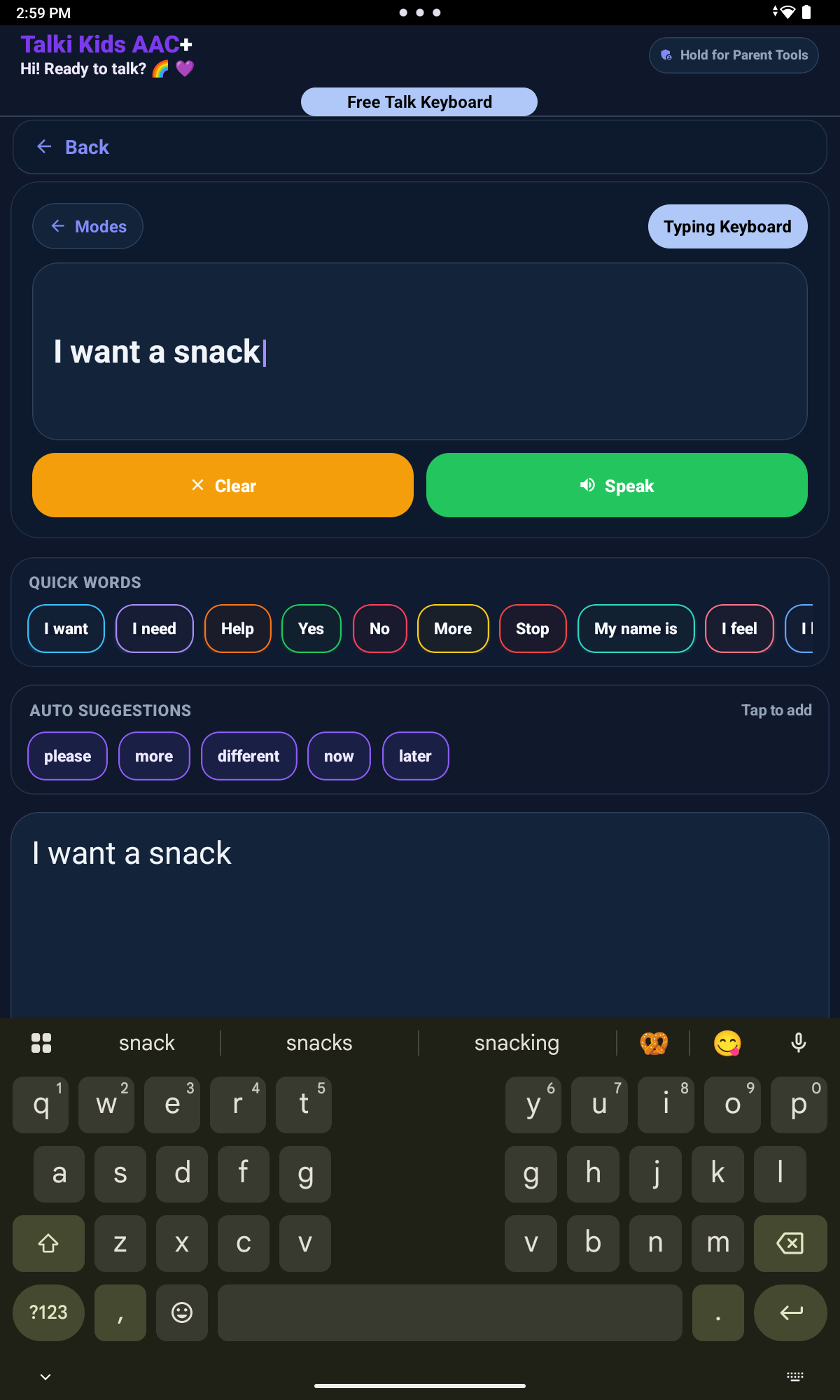
Typing Keyboard
Typing Keyboard supports custom messages when a child or caregiver needs words that are not already on the picture board.
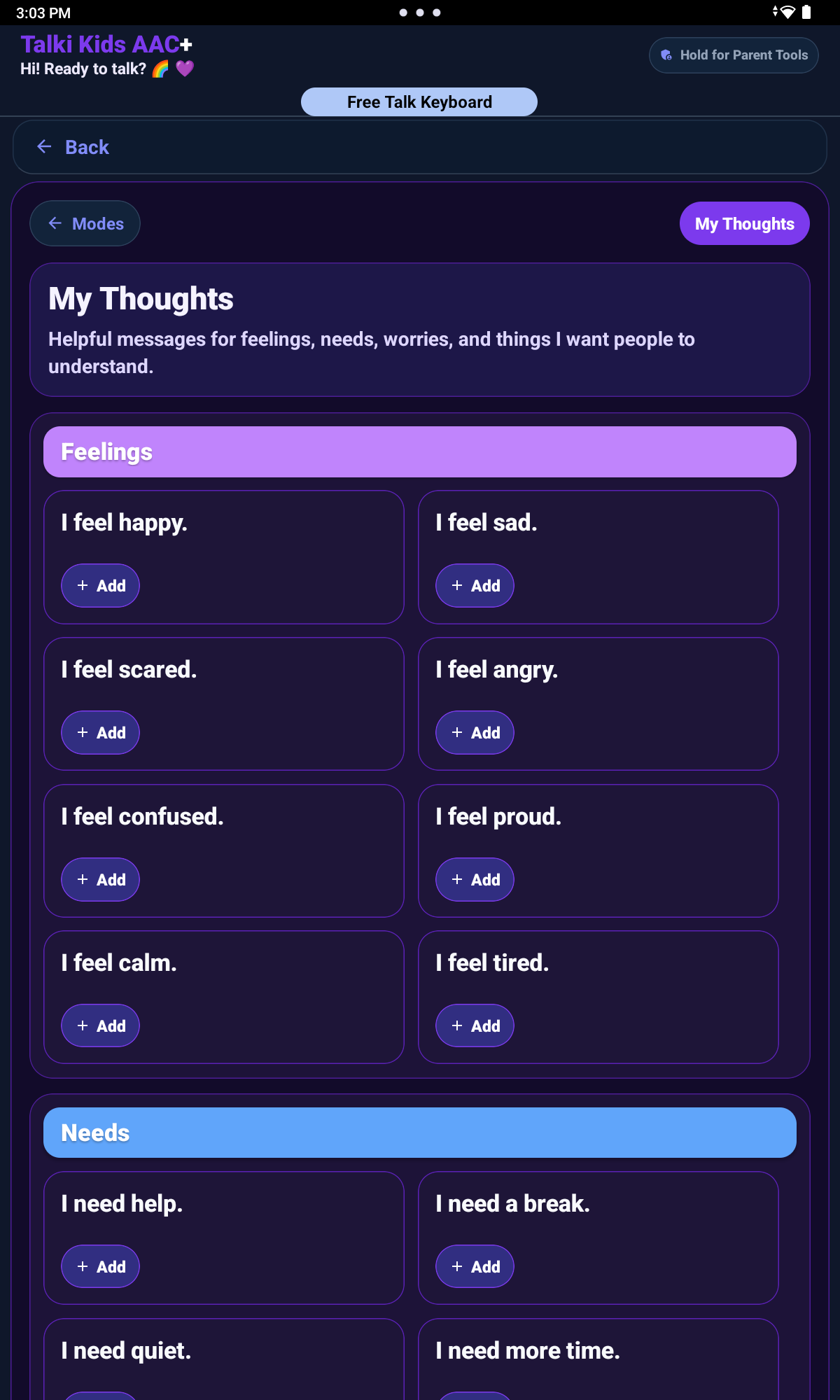
My Thoughts
My Thoughts can help children share feelings, worries, preferences, and self-advocacy messages.
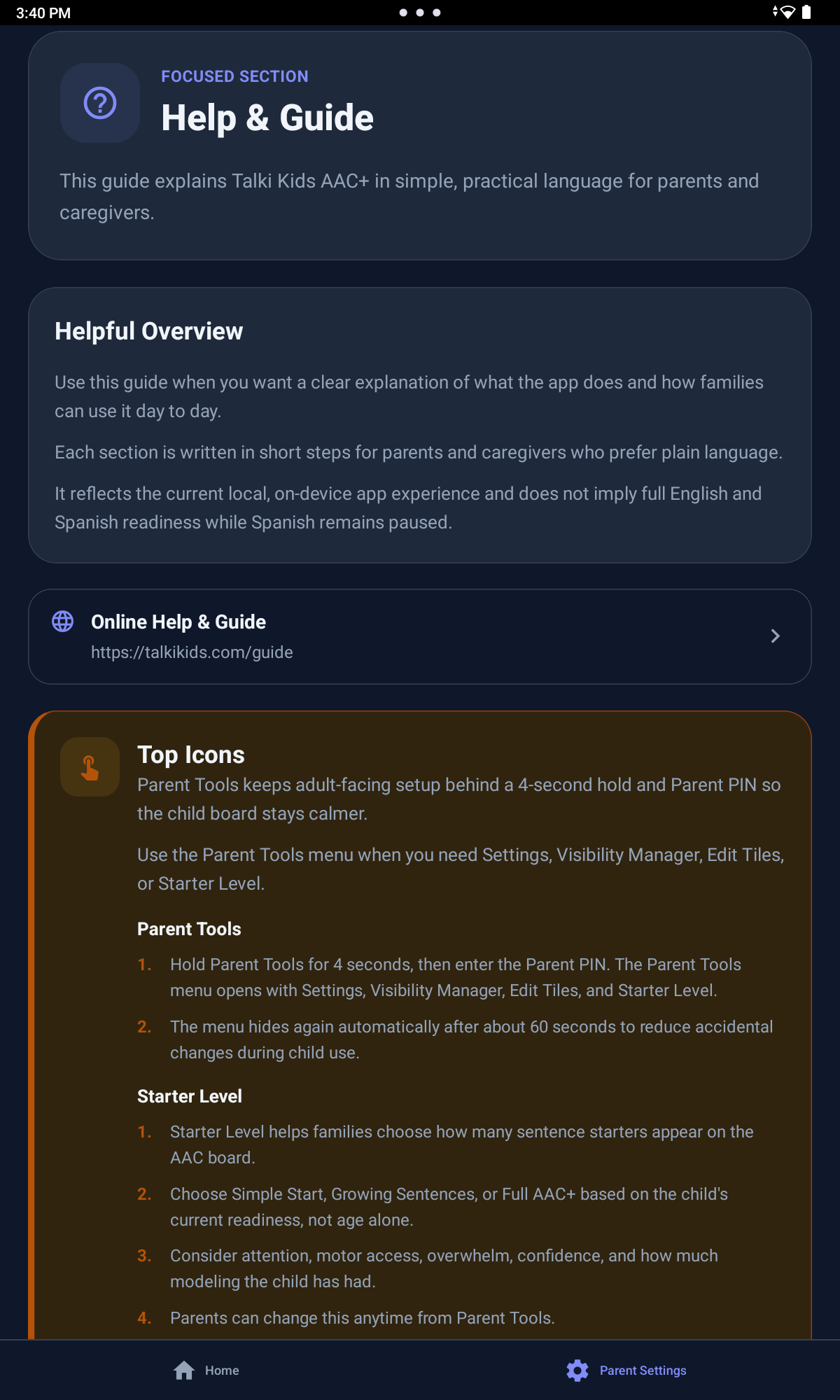
Parent guide and settings
Help & Guide explains app areas in practical language so caregivers can understand the communication tools and adult controls without leaving the app.
Parent Settings
Parent Tools are protected behind a 4-second hold and Parent PIN, so the child-facing board stays cleaner and less distracting. From the Parent Tools menu, adults can access Settings, Visibility Manager, Edit Tiles, and Starter Level without placing those controls directly on the child-facing board.
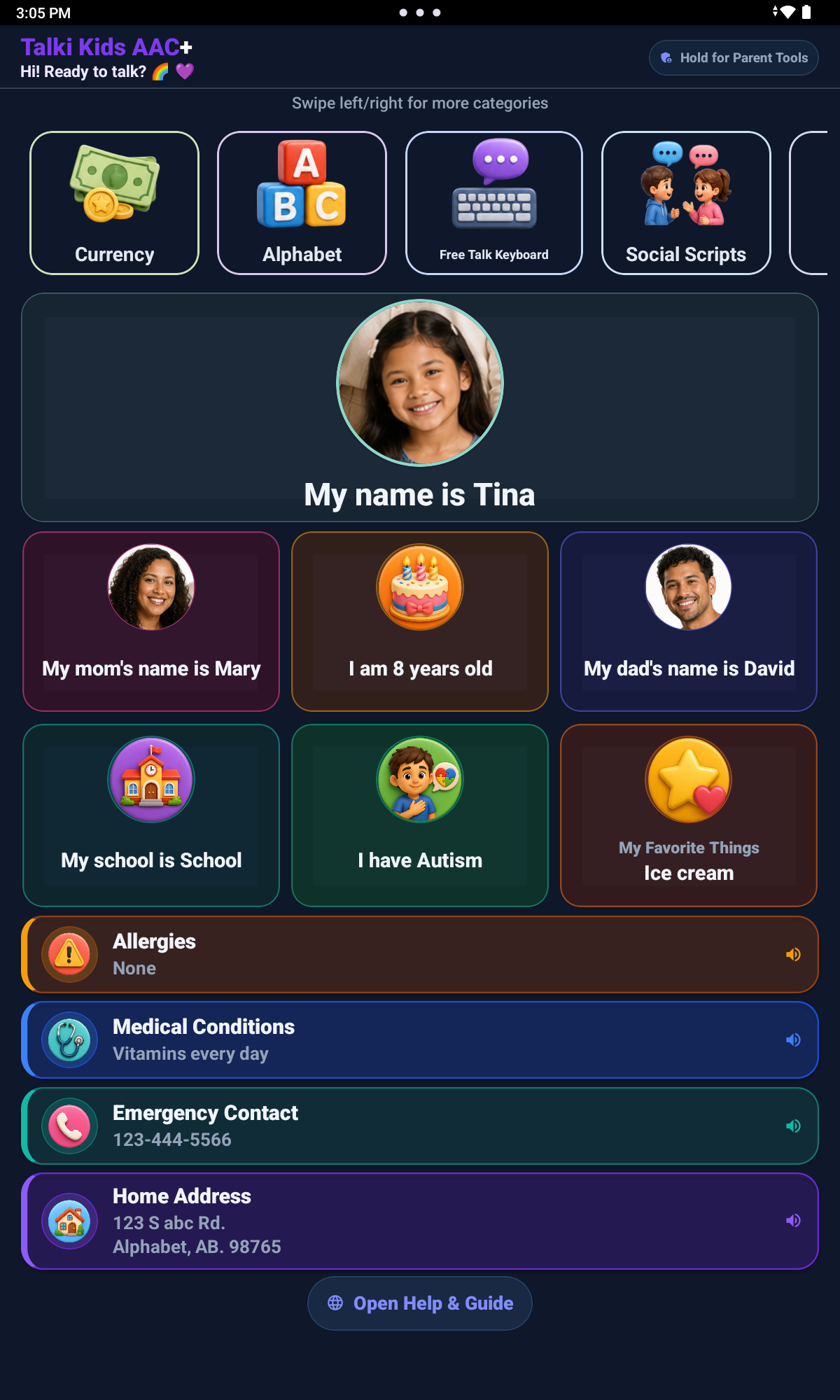
My Information
My Information is optional. Caregivers choose what to enter and what to show, and phone number and address fields are optional. This area supports communication and safety awareness without replacing emergency help or caregiver supervision.
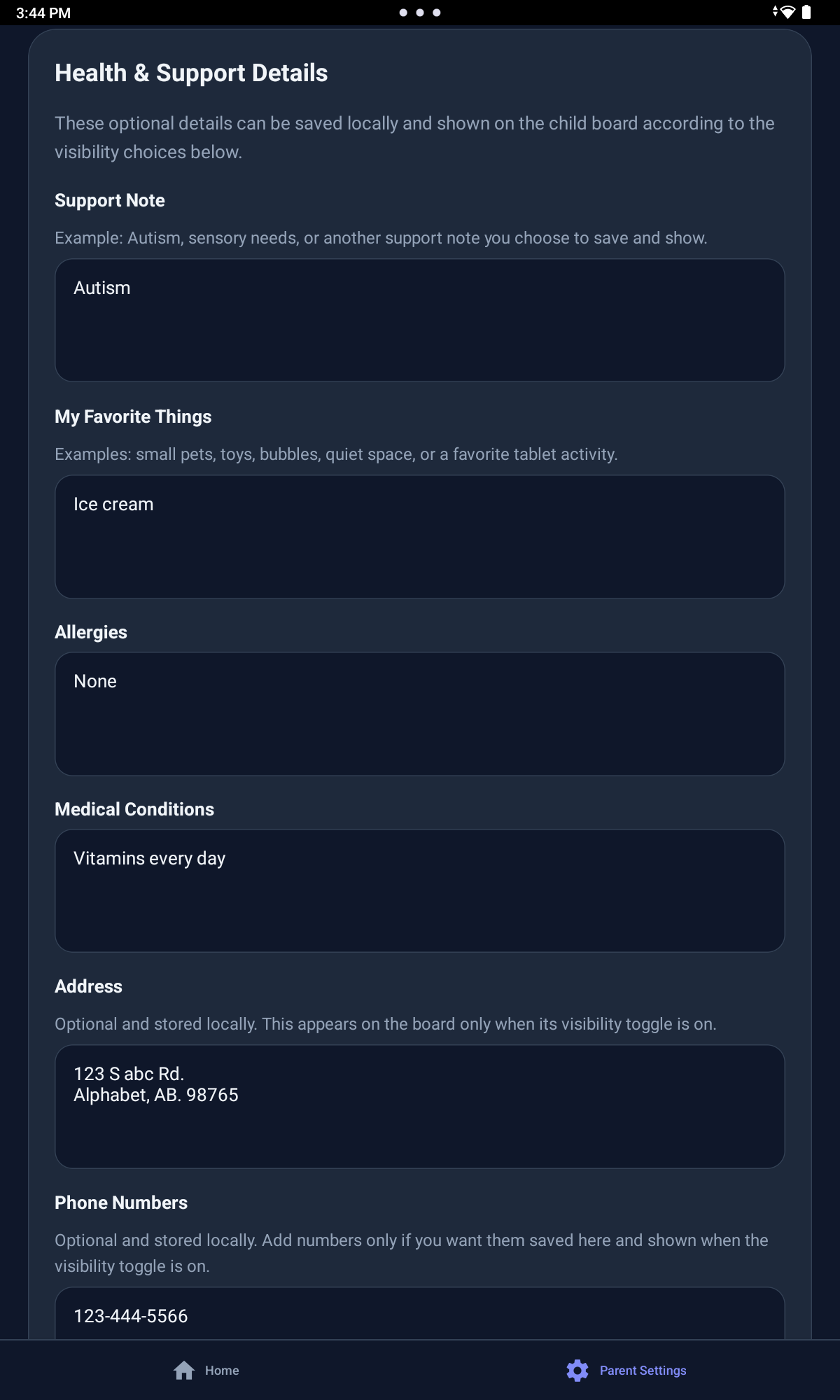
Health Information
Health information is optional support context that caregivers choose, review, and update when it is useful.
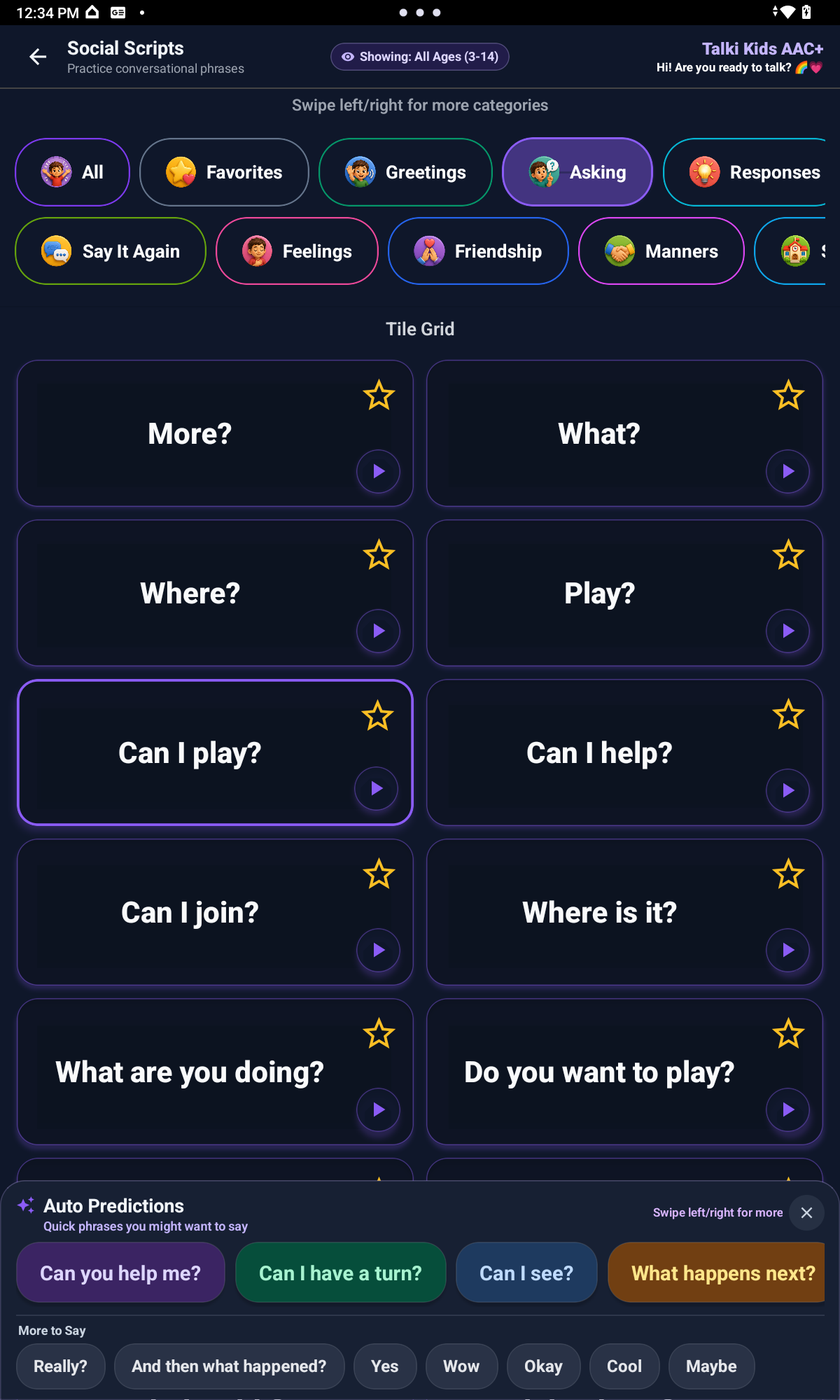
Social Scripts
Social Scripts include 350+ ready-to-use phrases, with level indicators, Auto Predictions, and More to Say support.
After a child chooses a Social Script phrase, Talki Kids can show helpful “More to Say” prompts to support the next step in the conversation. These gentle follow-up suggestions can help children respond, ask for clarification, share what they need next, or keep a social exchange going with less pressure. Suggestions stay aligned with the child’s selected Social Scripts level, so the support can remain simple or grow as the child is ready.
Expression range
Feature areas support practical daily messages as well as feelings, choices, refusals, school participation, social connection, self-advocacy, and custom thoughts.
Children can communicate what they want, need, prefer, or want to change.
My Thoughts and Social Scripts can help children share feelings, discomfort, worries, and personal messages.
Talki Kids supports classroom participation, routines, friendship language, repair phrases, and custom thoughts.
Flexible age guidance
Talki Kids can start simple for younger children and grow into more advanced supports for older children.
Social Scripts, Free Talk, My Thoughts, typing, and spelling can support children up to around ages 10-14 depending on the child’s communication needs, comfort with the app, and adult support.
Age is not a strict rule. Every child communicates differently, and caregivers should choose the tools, categories, and visible tiles that best support the child.